Dev Update - Running Live Interview Sessions with Shareable Links
The Pxl-Persona dashboard allows interview sessions to be launched through simple, shareable links. This makes it possible to run live 3D avatar interviews without req...
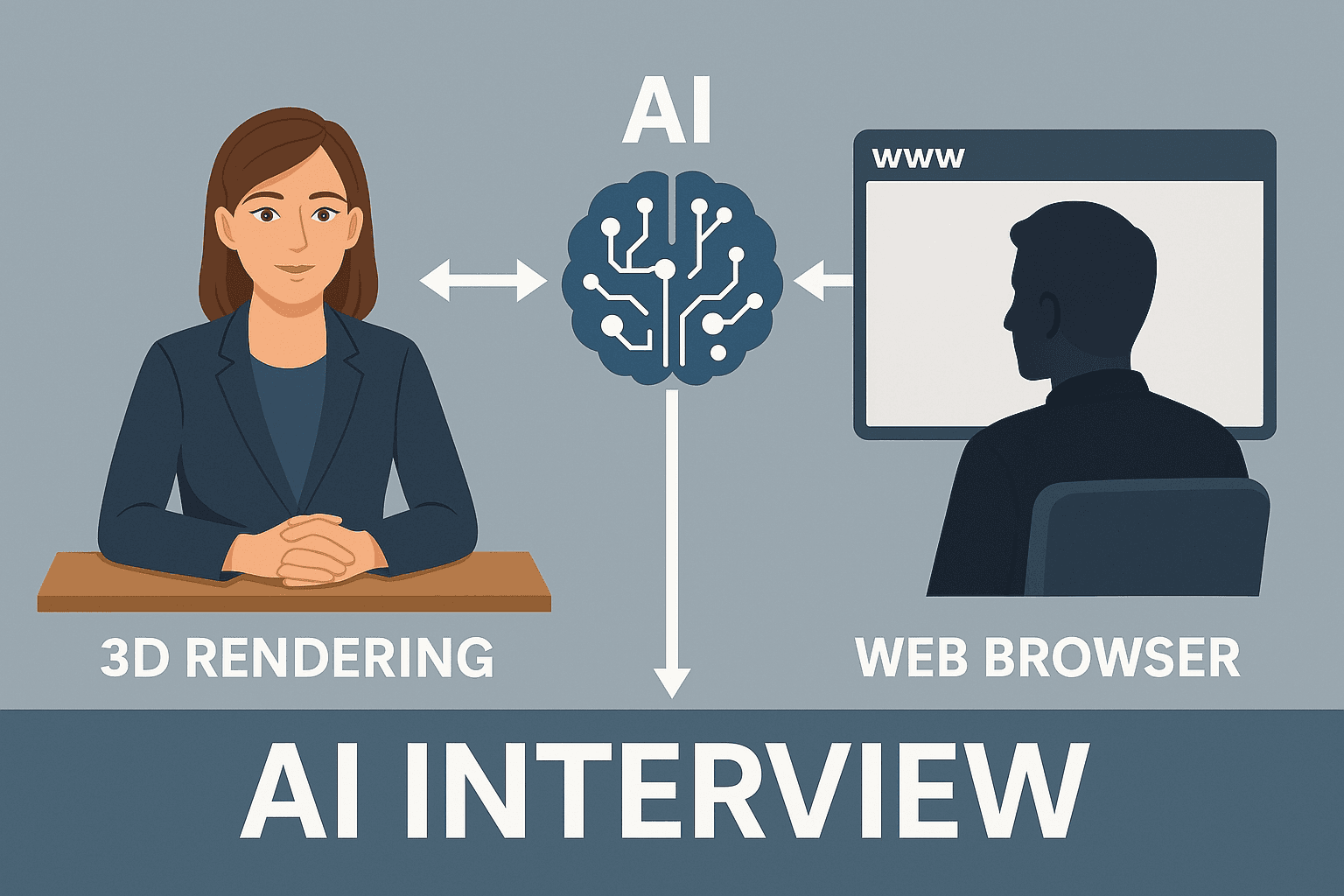
The Pxl-Persona dashboard allows interview sessions to be launched through simple, shareable links. This makes it possible to run live 3D avatar interviews without requiring every participant to create an account.
For trainers and educators, this feature reduces friction and simplifies delivery. For individuals, it allows interview practice to begin quickly once a scenario has been prepared.
Launching a Live Interview Session
Once a persona and scenario are configured, users can generate a session link directly from the dashboard.
That link can be:
-
Shared with a learner
-
Used within a classroom setting
-
Embedded into a structured training programme
When accessed, the link connects the user to an available 3D avatar session and launches the interview in the browser.
No Account Required for Participants
One of the advantages of shareable links is that the recipient does not need to create an account.
This is particularly useful for:
-
Cohort-based training
-
Schools and colleges
-
Workshops or short programmes
-
External learners accessing structured practice
Trainers retain control over the scenario while reducing barriers for participants.
Designed for Desktop-First Interview Practice
Live sessions are currently optimised for desktop browsers to ensure stability and performance.
Mobile support is in development, with user experience improvements being introduced carefully as the platform evolves.
Controlling Access and Usage
Session owners can control how links are used.
Options include:
-
Limiting the number of sessions per learner
-
Locking down access when required
-
Monitoring usage through the sessions library
Expanded link controls are part of ongoing development, with further flexibility planned for training providers managing larger groups.
Review, Reflect, and Repeat
After completing a live session, users can review:
-
A full transcript
-
Session metadata
-
Generated feedback
This makes interview practice repeatable and measurable, rather than a one-off experience.
Learners can adjust their CV, refine answers, or adapt their approach and run the session again using the same scenario.
Supporting Structured Training at Scale
Shareable live sessions are designed to support structured delivery without complex setup.
For trainers, this means:
-
Preparing once
-
Sharing widely
-
Reviewing outcomes centrally
For individuals, it means practising realistic interviews in a controlled, supportive environment.
Book a Demo
If you would like to see how live interview sessions work in practice, you can book a demo and explore how shareable links support scalable interview training.