Creator Mode Explained: Personas, Scenarios, Files, and Share Links
A practical overview of Creator mode in Pxl-Persona and how personas, scenarios, uploaded files, and share links work together.
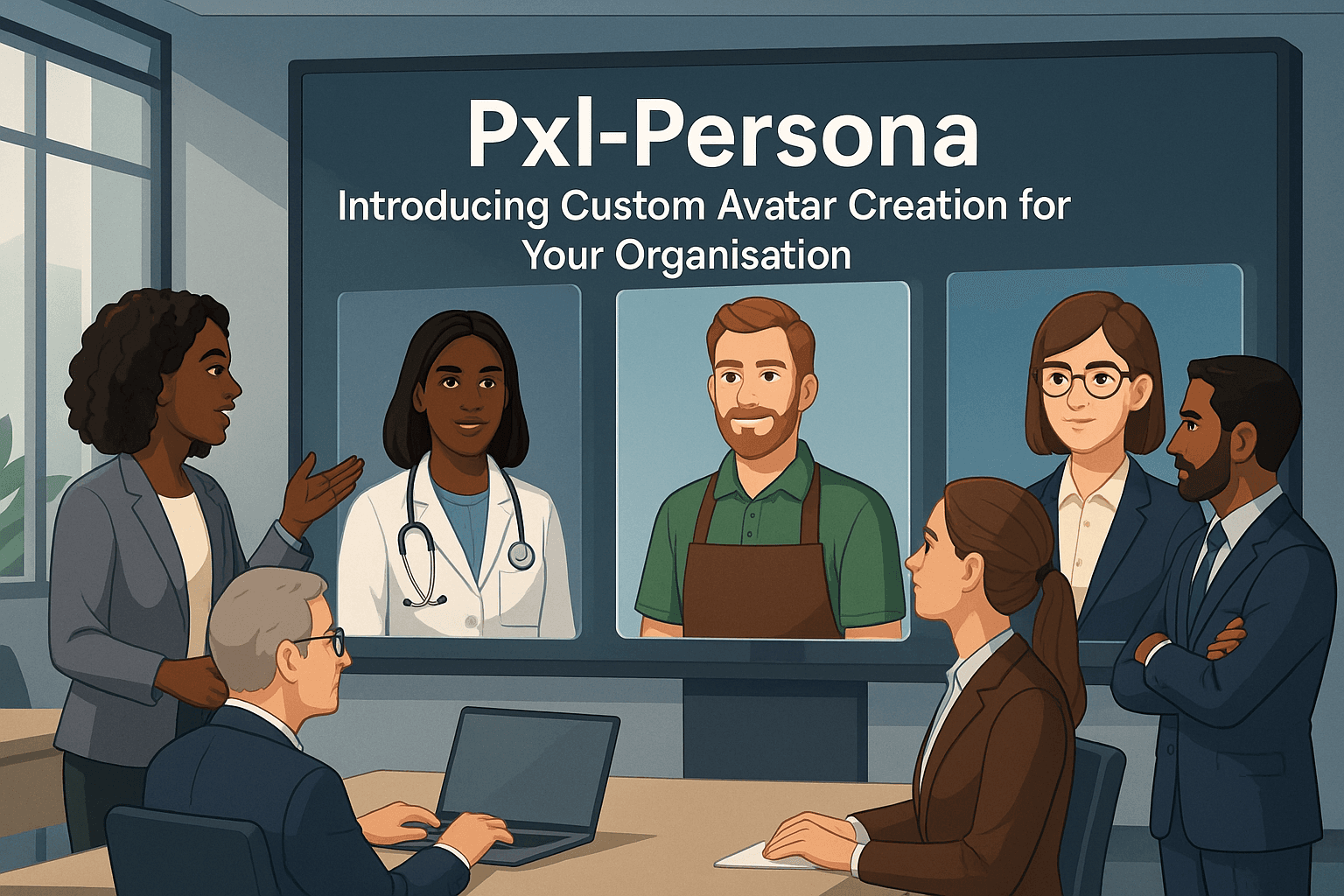
Creator mode is the fuller Pxl-Persona workflow. It is designed for users who want to build their own practice setup rather than only use prepared scenarios.
The main building blocks are personas, scenarios, files, and share links. Each one has a separate job.
Personas
A persona is the reusable person behind a session.
It can include the avatar's name, background, voice, visual character, interests, communication style, values, and other details that help the avatar feel consistent.
Personas are useful because they can be reused across more than one scenario. For example, one interviewer persona could be used in a junior developer interview, a project manager interview, and a portfolio review scenario.
Scenarios
A scenario defines what is happening in the session.
It can include the role, description, scene, session length, selected persona, mood, stress level, engagement style, tags, and extra instructions for how the avatar should behave.
This separation matters. The same persona can behave differently depending on the scenario. A supportive interviewer in one session can become more direct in another if the scenario is designed for pressure practice.
Files
Files help ground the scenario in real context.
A user might upload a CV, job description, role brief, policy document, patient note, course material, or product guide. Those files can then be attached to a scenario so the session reflects the material the user actually needs to practise with.
The best file use is focused. A small number of relevant documents is usually better than a large set of noisy material.
Share links
Share links let a Creator mode user send a specific scenario to someone else.
They are useful for tutors, trainers, cohort leads, and pilot projects. A link can be configured with session length, expiry, and optional user limits so a scenario can be shared in a controlled way.
That means a tutor can build a scenario once, then invite a learner or group to launch the same practice setup.
How the pieces work together
A typical Creator mode workflow looks like this:
- Upload supporting files.
- Create a persona.
- Build a scenario around the persona and files.
- Launch the session or create a share link.
- Review transcripts and feedback after practice.
- Adjust the setup and run it again.
The aim is not to make users configure more than they need. The aim is to make realistic practice reusable.
For individuals, that means better preparation. For organisations, it means repeatable practice programmes that can improve over time.