Behind the Scenes: From Blender to Unreal to Voice – How We Build AI Interview Avatars
Creating a realistic AI avatar isn’t about pushing a button. It’s about combining art, engineering, and AI into one seamless experience — and making it all feel natura...
Creating a realistic AI avatar isn’t about pushing a button. It’s about combining art, engineering, and AI into one seamless experience — and making it all feel natural to the end user.
At Pxl-Persona, and the team in our Parent company Scenegraph Studios, we’ve built a development pipeline that takes avatars from initial design through to real-time browser deployment. Whether we’re simulating a construction site interview, a retail assistant, or a museum guide, every avatar goes through a process that blends creativity with cutting-edge technology.
Here’s how it works — from **Blender **to **Unreal Engine **to **AI **Voice, and everything in between.
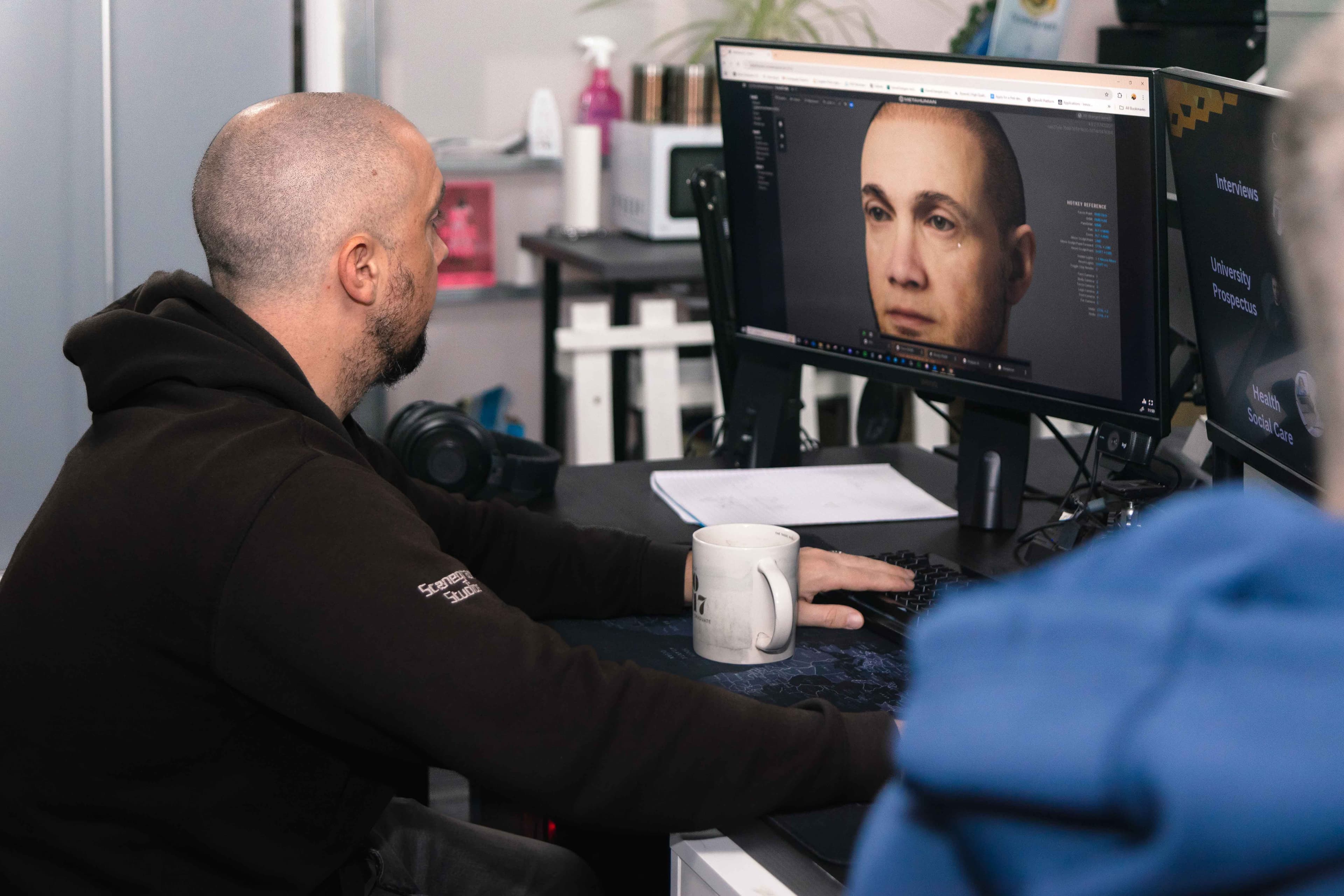
Avatar Design: Custom, Realistic, and Non-Human When Needed
Off-the-Shelf Metahumans
MetaHumans are ideal for rapid deployment. These characters can be dropped straight into Unreal Engine and paired with our AI systems. Using our inhouse Unreal plugin, we automatically sync facial animations with voice clips — dramatically speeding up development time.
Custom Avatars in Blender
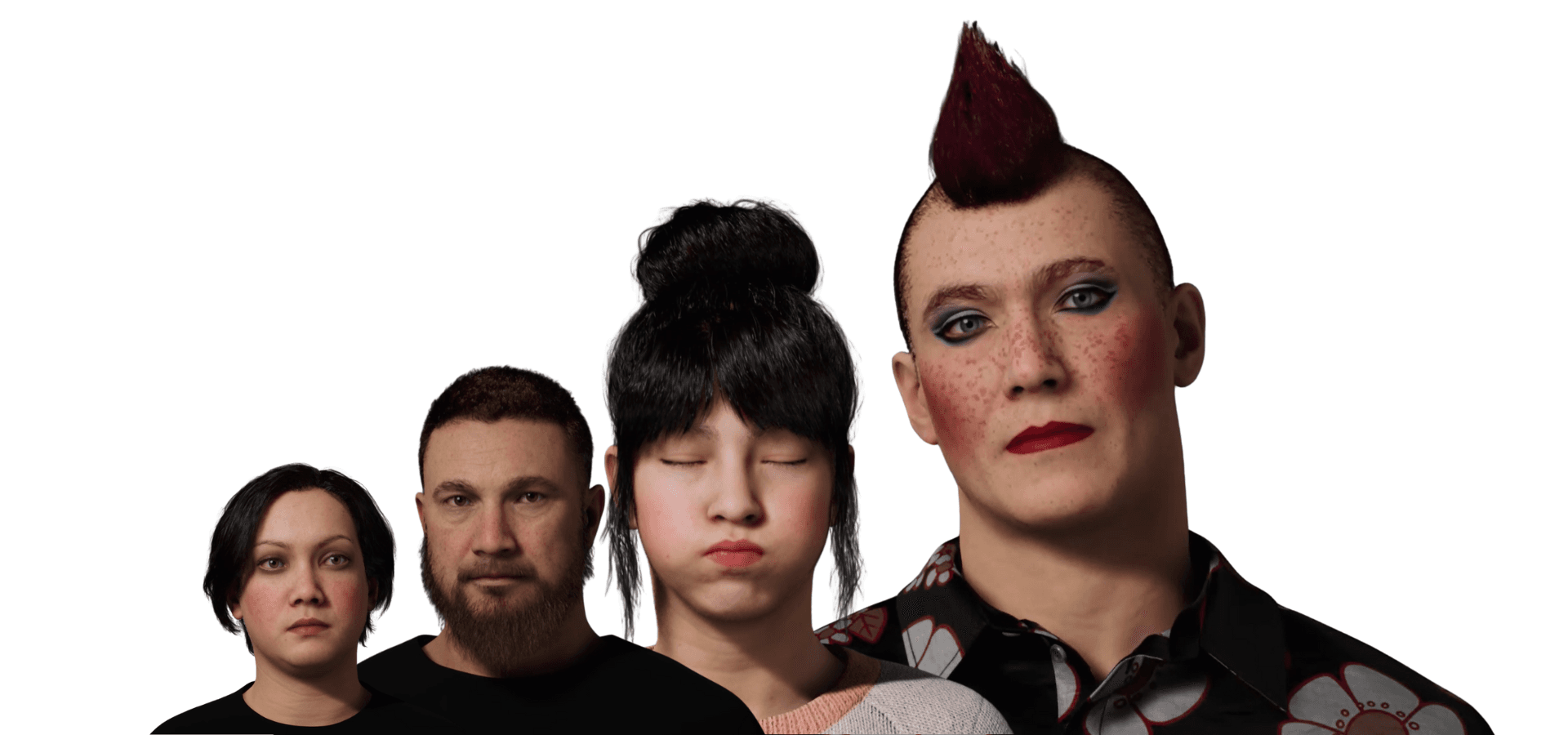
When clients need something unique — from fantasy avatars (aliens, fairies) to half-human designs — we build in Blender. These avatars are then rigged with the MetaHuman skeleton for compatibility, enabling high-quality animation in UE5 or NVIDIA Omniverse.
Real People, Real Faces
With Unreal Engine’s tools and photogrammetry, we can generate a 3D avatar of a real person from a short 15-second video clip. This head mesh becomes the base of a MetaHuman, allowing us to recreate real individuals with surprising accuracy. We can even stylise them — adding makeup, fantasy elements, or “marketing tweaks” (like slimming the face).
Low-Poly Avatars for Lightweight Use
For mobile-first applications or museum guides, we use low-poly characters without complex facial rigs — reducing the processing load without sacrificing quality. Both high-end and low-poly characters are streaming from our servers to your devices.
Hair & Accessories
While Metahuman hairstyles can be easily recoloured and adjusted, major changes are handled in **Blender **or **Unreal **directly. This allows us to support brand-specific or themed looks for events like Halloween or exhibitions (we see the irony we have used a bald character for this section).
Scene Building: Making Context Count
Where your avatar **is **matters as much as who they are.
We use Unreal Engine to build immersive, responsive scenes — from realistic offices to live construction sites with animated diggers and background assets.
These aren’t generic backdrops — they’re chosen to match the real-world setting of the job. For example:
During research with people in the construction industry, they told us, “We’d never interview in an office — we’d do it on-site.” So we built a construction site.
We also integrate custom assets via Blender and, in the future, Omniverse for larger environments and collaboration.
Pixel Streaming for Web Delivery
Our simulations are browser-based, thanks to Pixel Streaming. We detect screen size and orientation, and dynamically adjust:
-
Scene layout
-
Camera angle
-
UI positioning
This allows one build to run seamlessly on:
-
Mobile phones (portrait or landscape)
-
Tablets
-
Desktop browsers
Our applications can be downloaded and connected to our AI servers if required.
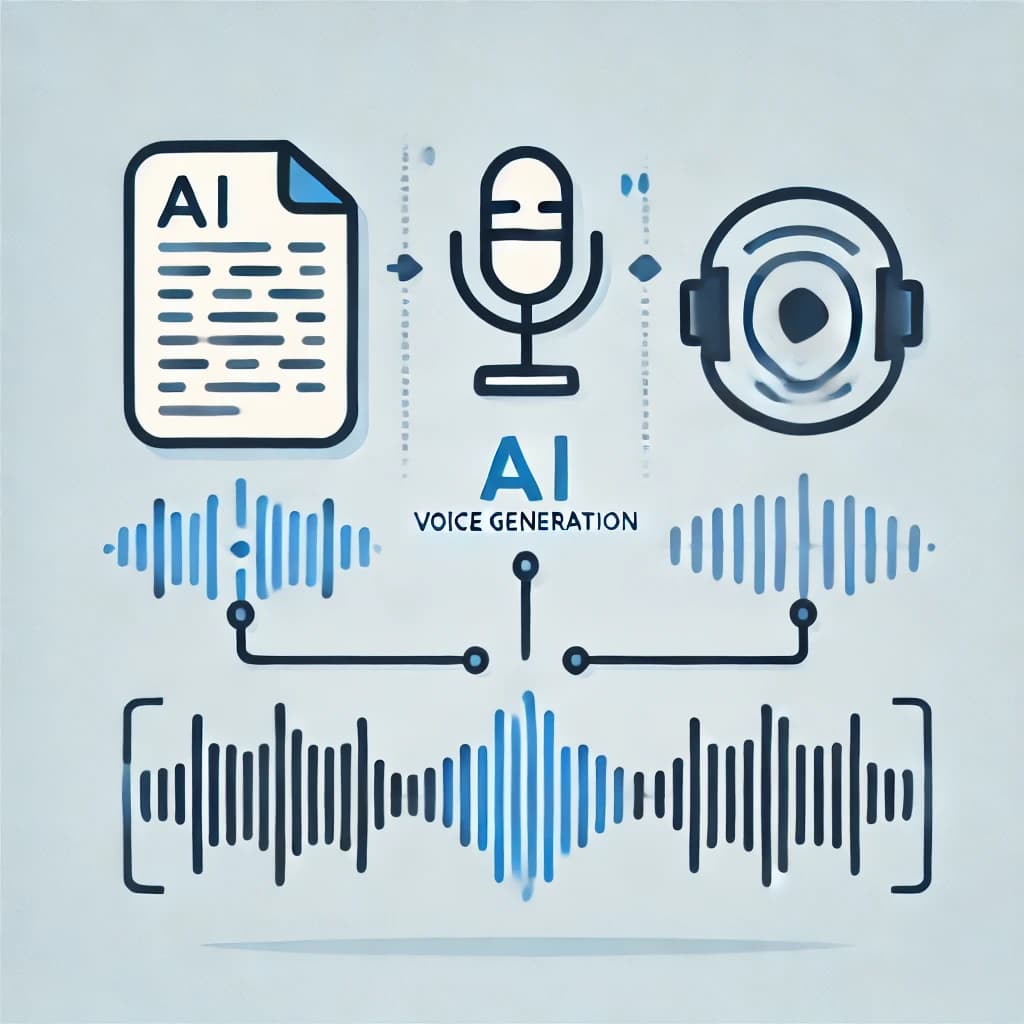
Voice Generation: Real Voices, Natural Results
Our voice pipeline is about capturing realism — not overproduced perfection.
-
We work with real people to record neutral voice samples.
-
Recordings can come from Zoom calls, WhatsApp clips, or informal chats — wherever we get the most natural delivery.
-
We train on the latest GPUs increasing speed and accuracy.
Every script is reviewed by the Pxl-Persona team to:
-
Correct pronunciation (e.g. “C#” as “C-Sharp”, not “C-Hashtag”. This is a programming term.)
-
Avoid strange pacing or noise artefacts
-
Maintain tone and emotion consistency
-
If a voice over artist, a CEO recording their voice, if they make a mistake while recording, that is fine as the team clips this away. This speeds up recording, making it less anxious for the artist not concentrating on mistakes, but speaking the script.
“Bad data in, bad data out” — so we manually check everything, from accidental clicks to tone shifts.
The AI Process: Real-Time, Sequential, and Fast
Here’s how it works when someone talks to an avatar:
-
User speaks to the avatar
-
The audio is sent to the AI server
-
Speech-to-text processes the audio clip
-
An LLM generates a response (using RAG if needed)
-
The response is turned into a voice clip via TTS (Text To Speech AI)
-
The voice is sent back to the avatar
-
Our Unreal plugin applies facial animation AI
-
The avatar speaks naturally in real-time
Response time: 0.5–2 secondsThis avoids awkward pauses and creates a fluid conversation experience.
Efficient Infrastructure: Multiple Avatars, One GPU
We’ve optimised the pipeline to use a single high-end GPU to power multiple avatars.
-
Each avatar only needs the AI for a split second between speech and reply
-
The rest of the time, the GPU is free to handle other users
-
This sequential processing model keeps costs low and scales smoothly
Imagine:
-
A user speaks for 25 seconds
-
The server only works for 1 second to generate a reply
-
During that minute, the system can serve multiple users
A single AI server serving multiple kiosks, devices, or computers are great options for different scenarios:
-
This is great for an events space investing in an AI server, serving multiple Kiosks.
-
Or a school with multiple avatars in lessons as teaching assistants to the students - 1 AI brain server multiple avatars in different sessions.
-
A hospital with a central server and multiple tablets throughout the building giving information to the users while waiting for their appointments.
Why This Pipeline Works
By designing each stage of the process ourselves — from avatar creation to AI interaction — we ensure:
-
Speed
-
Realism
-
Adaptability
-
Cost-efficiency
We’ve built this so clients can deploy fast, update easily, and deliver avatars that are believable, engaging, and technically sound.
Whether you want a confident young professional, a grumpy construction manager, or a half-elf tour guide — we can build it.
Want to see how we bring avatars to life?Try Pxl-Persona in your browser — or talk to us about building your own.
See how we handle AI voice design Learn about our secure infrastructure Book a demo with the team