Building Easy Mode: Why First-Time Users Need a Faster Route to Practice
Why Pxl-Persona includes an Easy mode for first-time users who want to launch avatar-led practice without configuring every detail first.
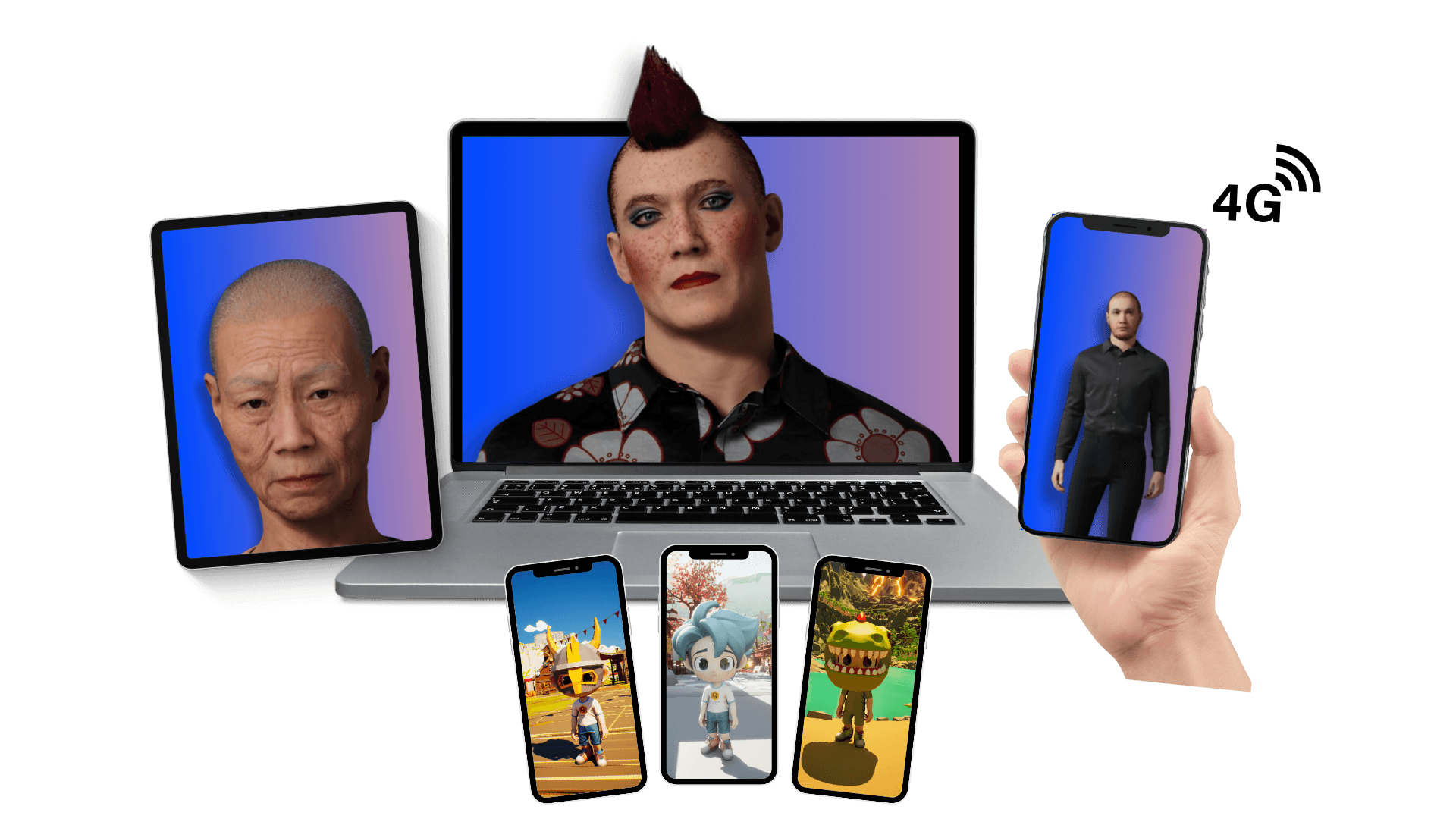
Some users want full control over personas, scenarios, files, voices, and share links. Others just want to practise.
That difference shaped the design of Easy mode in Pxl-Persona. The goal is simple: reduce the number of decisions a new user has to make before their first useful session.
Instead of asking every learner to build a custom setup from scratch, Easy mode focuses on a guided practice flow. A user can choose an available scenario, review the likely credit use, launch a live avatar session, and come back to session history afterwards.
Why a faster route matters
Interview practice is often most useful when the user is already under pressure. They may have an interview soon, a class activity to complete, or a confidence gap they want to work on quickly.
If the first screen asks them to understand every advanced feature, the product can feel harder than the task it is meant to help with.
Easy mode keeps the first route focused:
- choose a ready-made or owned scenario
- check the session length and estimated credit use
- launch the avatar-led session
- review what happened afterwards
- practise again when ready
That creates a shorter path from sign up to value.
What Easy mode does not try to do
Easy mode is not the full builder. It does not need to expose every asset type, every library action, or every configuration setting at once.
That is intentional. A learner preparing for a first practice session should not need to understand the whole content system before they can speak to an avatar.
The deeper controls still exist in Creator mode. Easy mode simply gives users a cleaner starting point.
Designing for confidence
Good onboarding is not just about speed. It is also about confidence.
A new user needs to know what will happen next, what the session will cost in credits, and where they can find the result afterwards. That makes the experience feel more predictable.
For interview practice, predictability matters. The user can spend their attention on answering questions rather than working out how the product is structured.
Where Easy mode fits
Easy mode is best for:
- first-time users
- individual job seekers
- simple interview practice
- learners using prepared scenarios
- users who want a quick repeat session
Creator mode is better when a tutor, trainer, or advanced user wants to create custom personas, upload files, build scenario libraries, and share sessions with a group.
Both modes support the same underlying idea: realistic practice should be repeatable, reviewable, and easier to access than a traditional mock interview.